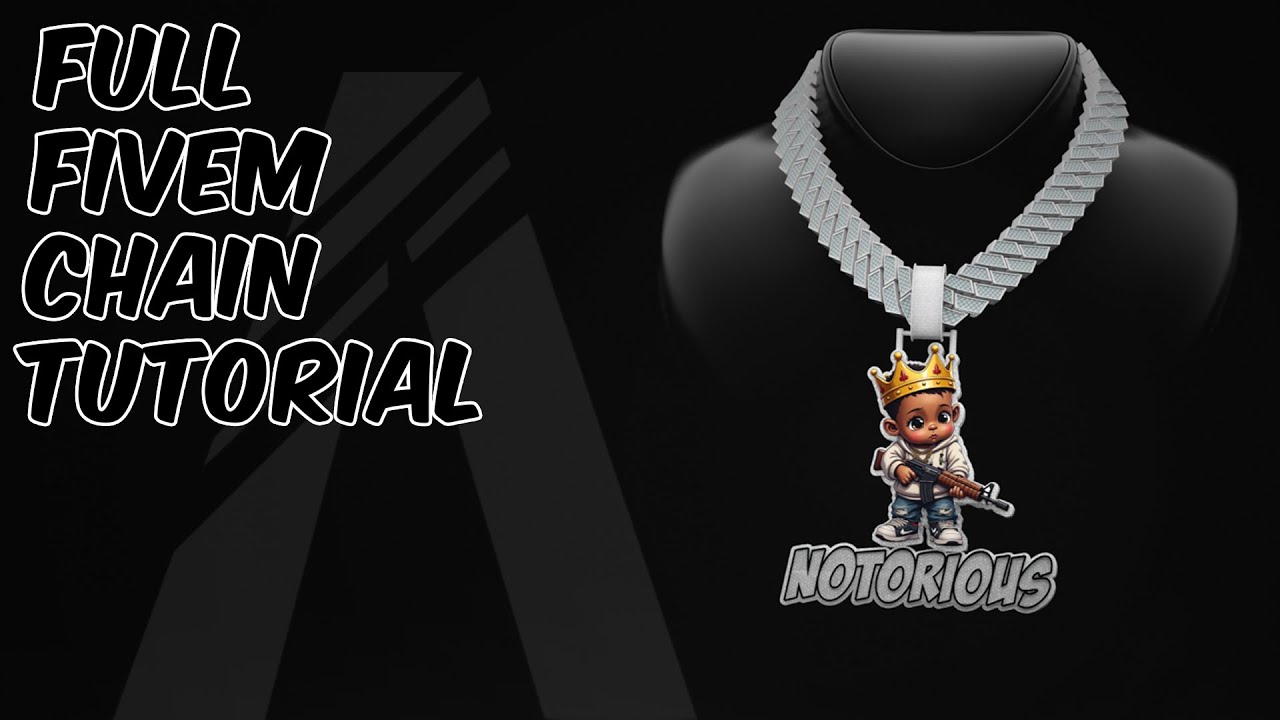
How To Make a FiveM Chain - Full Tutorial
In this new and updated tutorial I will be showing you how to make a chain from scratch for GTAV / FiveM using blender, 3ds max, photoshop and some other programs. We will be making the whole chain from scratch including the chain links, the pendant the bail everything. We will also be crating a custom UV map and making our own texture for the chain. We will then be using 3ds to make parts of our chain glow in the dark! And finally we will be exporting our chain and converting it to a FiveM ready file! ⚠️ UPDATE: Access to the Support Discord The Discord is no longer fully free to access. To use the help/support channels, you’ll need to become a YouTube Channel Member (from just £2/month). Join here 👉 https://www.youtube.com/@Drillz3D and click the “Join” button (PC only). However, if you're looking for services like us making chains for you, you can still access the relevant channels for that without needing a membership. Once you're a member — or if you're using our paid services — you can join the Discord here: 👉 https://discord.gg/drillz3d Thanks for supporting the community! 💙 Timestamps: 00:00 INTRO / WHAT PROGRAMS WE WILL BE USING 00:02 USING BLENDER TO MAKE A CHAIN 13:22 STARTING TO UV MAP OUR CHAIN 16:14 BENDING OUR CHAIN TO FIT A PED 23:21 USING PHOTOSHOP TO START OUR PENDANT DESIGN 35:26 MAKING OUR PENDANT 3D 45:47 CHECKING FACE ORENTATION 46:19 UV MAPPING OUR PENDANT 48:42 SIZING AND POSITIONING OUR PENDANT 49:30 MAKING A BAIL 58:30 FINISHING AND EXPORTING OUR UV MAP 01:01:06 CREATING OUR TEXTURE USING PHOTOSHOP 01:07:01 MAKING A NORMAL / BUMP MAP 01:08:47 ADDING OUR TEXTURE TO OUR CHAIN 01:11:01 JOINING AND EXPORTING OUR CHAIN 01:12:14 IMPORTING AND STTING UP OUR CHAIN IN 3DS 01:26:22 EXPORTING OUR CHAIN FROM 3DS 01:27:32 CONVERTING OUR CHAIN IN OPEN IV 01:31:16 FINISHED RESULT IN GAME
Taon
2025
IMDb
0
Poster Feed